CINETWIN / SUPPORT
Back to creating.
A little guidance for your next setup. Find answers about CineTwin, your purchase and your account.
Getting started
A great starting point is to watch our tutorials on YouTube. This is the first video in our series of educational content.
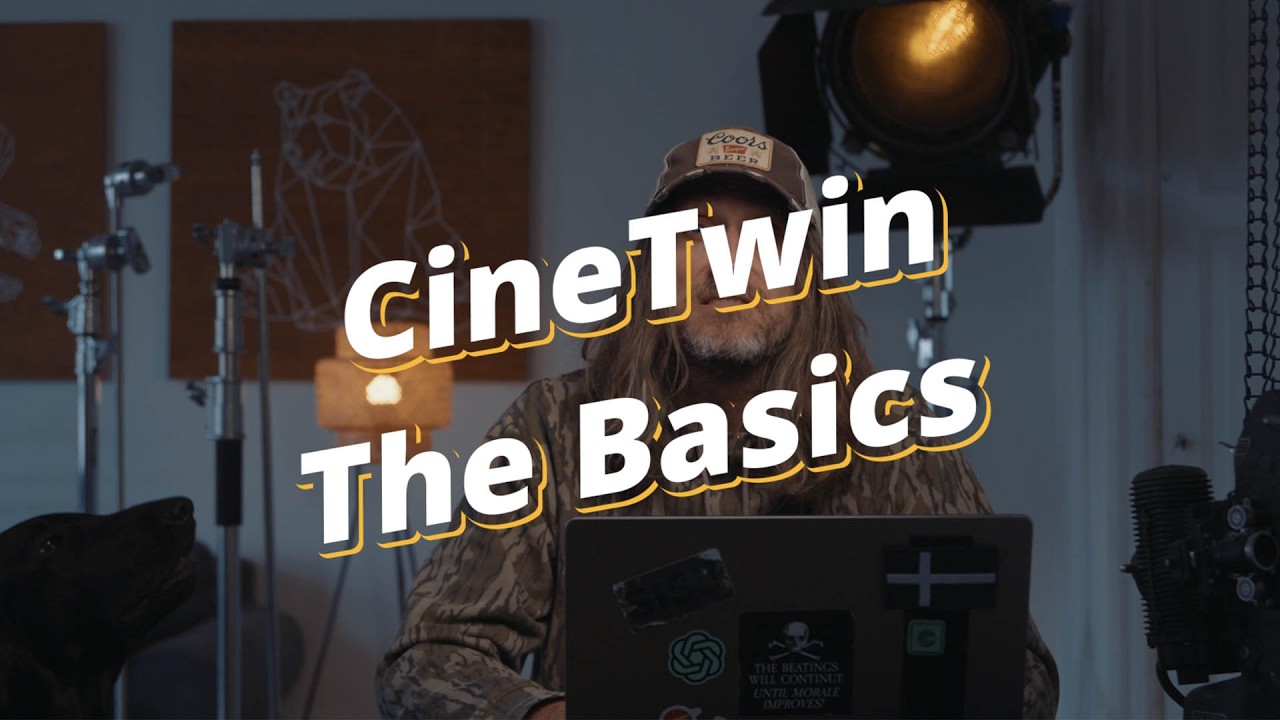 How to use CineTwin part 1: The BasicsWatch on YouTube
Purchase & license
Account & downloads
Best practices for external GLB files
Keep the mesh count manageable
For static scenery, combine pieces that share a material and will always move together. In Blender, select those pieces and use Join before exporting your GLB. Keep parts separate if you need to position them independently.
Use image textures, not procedural textures
Stick to BSDF materials, image textures and normal maps. Procedural textures are not supported.
Self-service help.
Find practical guidance in the FAQs and guides on this page. One-to-one support is not included with your CineTwin licence.